





Open Aiden anywhere
Bring the menu-bar window over your editor, browser, notes, or terminal.


One hotkey for the AI models you already use.
Tested by folks at
Open Aiden over your current app, add the context in front of you, then choose chat, research, or a bounded task.
Bring the menu-bar window over your editor, browser, notes, or terminal.
Attach images, screenshots, or files so the model sees the material you mean.
Use chat, source-backed research, or a controlled agent run for the task.
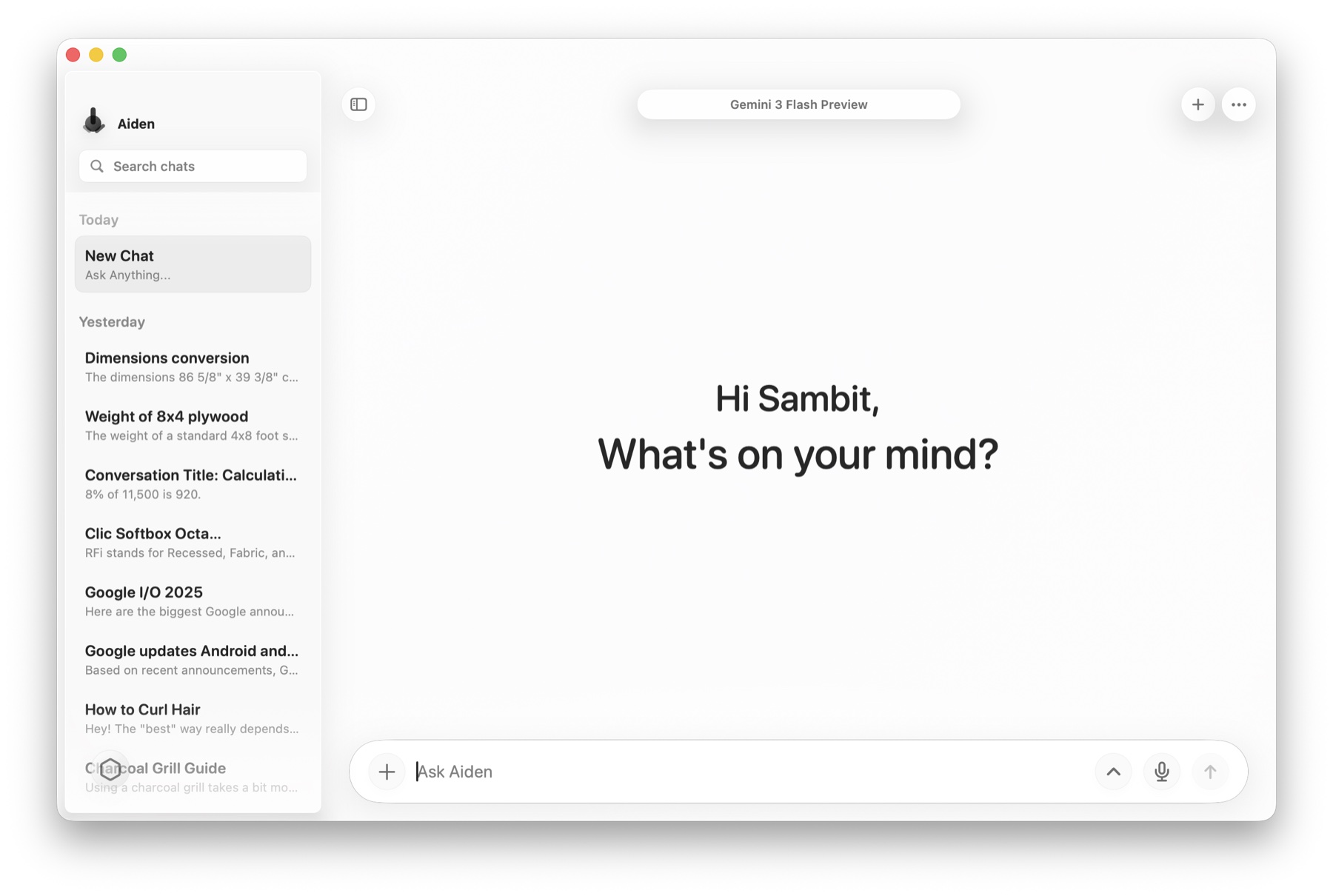
Use hosted providers, routed models, local runtimes, and Apple models from one Mac-native settings surface.
 OpenAI
 Claude
 Gemini
 OpenRouter
 Ollama
 LM Studio
Use the providers you already trust from one Mac-native picker.
Reach many model families from the same compact picker.
Keep local and Apple-backed workflows close to the Mac.
Aiden stores chat history locally, keeps provider secrets in macOS Keychain, and sends requests only to the provider or local runtime you choose.
Everyday conversations stay in local app storage instead of somebody else's cloud.
Provider API keys are managed on-device by macOS security tools.
Requests go only to the provider account or local model runtime you select.
The essentials on availability, provider support, local models, and privacy.
Aiden is a private macOS menu-bar AI client for using OpenAI, Anthropic, Gemini, OpenRouter, Ollama, LM Studio, Apple Foundation Models, and local models from one hotkey-driven interface.
Aiden is built for hosted providers, routed model access, Apple models, and local runtimes. The current provider list includes OpenAI, Anthropic, Gemini, OpenRouter, Ollama, LM Studio, and Apple Foundation Models.
Aiden is designed around local chat history on your Mac. It avoids an Aiden cloud account and a central sync layer, so everyday chat data stays close to the computer where you use it.
Provider API keys are intended to stay on your Mac, such as in macOS Keychain. Keys are not synced via iCloud. Requests still go to the third-party provider or local runtime you choose for a given model.
Aiden does not require an Aiden cloud account for the product model described here. You bring your own provider accounts and keys for hosted model services.
Aiden is built to support local model workflows through local runtimes such as Ollama and LM Studio, alongside hosted providers and OpenRouter model access.
Aiden focuses on a private, bring-your-own-key Mac client with local chat history, multiple providers, local runtimes, Apple model support, and a compact menu-bar workflow rather than a single-provider account experience.
Aiden is available on TestFlight right now for macOS 14 and newer. Release notes, availability details, and download information will be posted on this website as the Mac build gets ready.
Product information last updated: June 19, 2026.